macOS Download Troubleshooting
If macOS shows "PW Tray is damaged and cannot be opened", this is usually Gatekeeper quarantine, not a corrupted file. Follow the steps below.
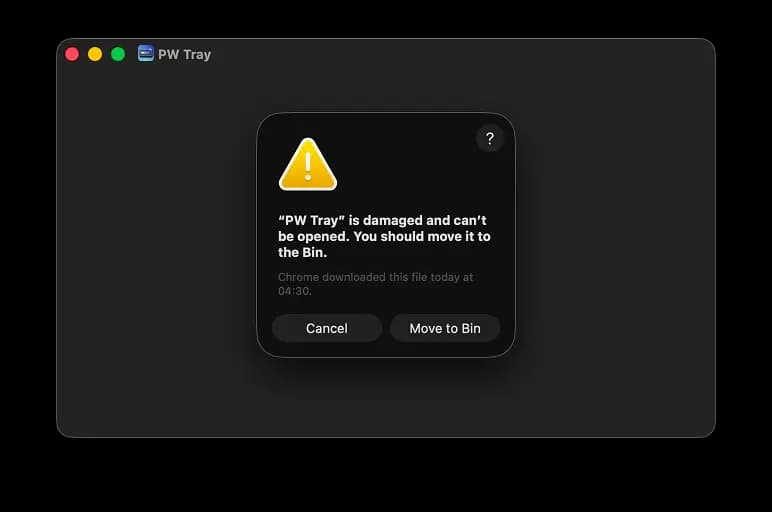
Typical Gatekeeper warning shown for quarantined downloads.
Step 1: Remove quarantine from your downloaded file
Run this command on the downloaded .dmg:
cd ~/Downloads
xattr -dr com.apple.quarantine "PWTray_0.4.1_aarch64.dmg"
Step 2: Open DMG and move app to Applications
open ~/Downloads/"PWTray_0.4.1_aarch64.dmg"Drag PW Tray.app to /Applications.
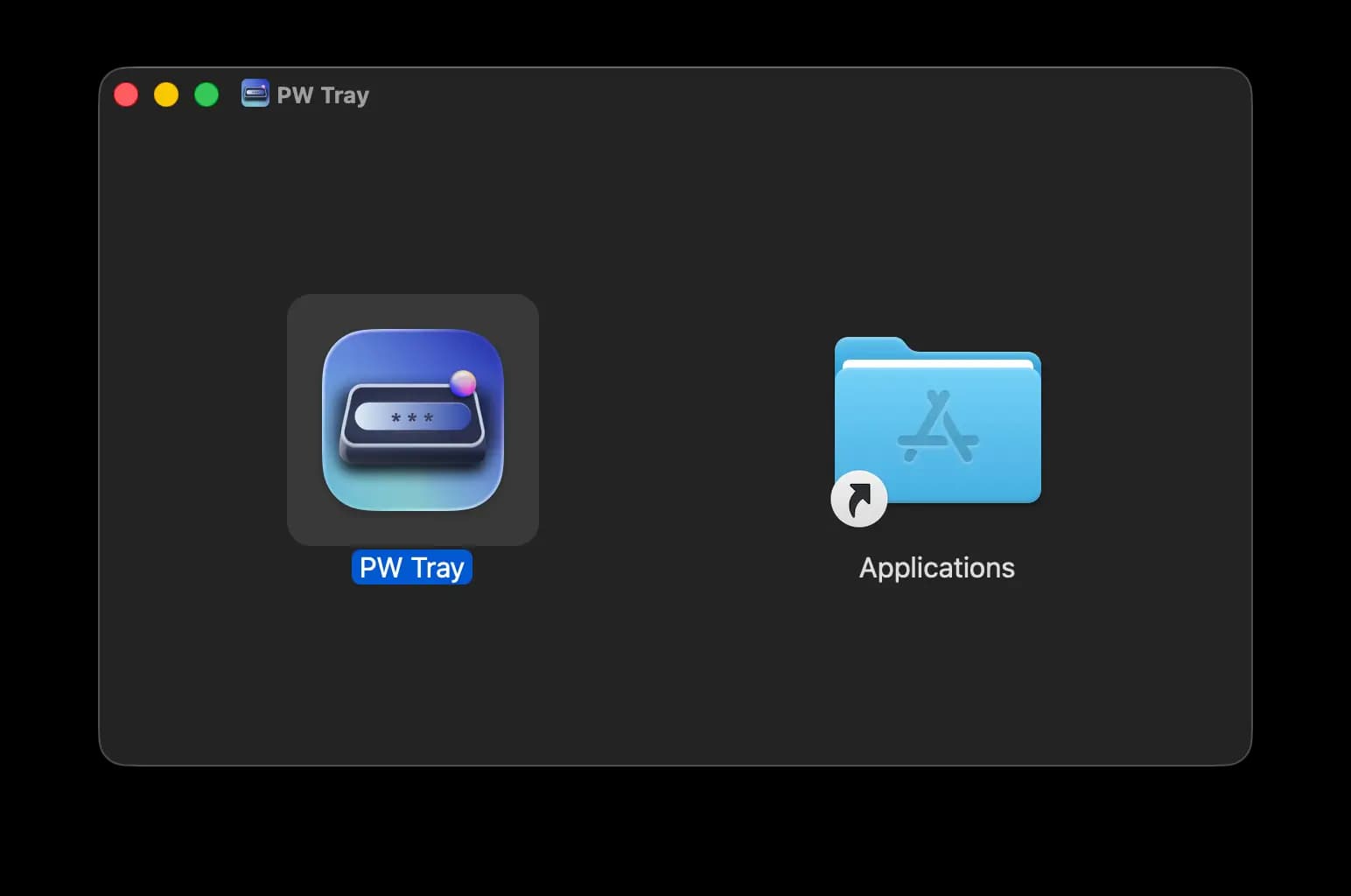
Drag and drop PW Tray.app into Applications.
Step 3: If still blocked, remove quarantine from app bundle
xattr -dr com.apple.quarantine "/Applications/PW Tray.app"
open "/Applications/PW Tray.app"
Why this happens
Browser downloads are commonly marked with macOS quarantine metadata. This guide removes only that metadata so the app can be opened normally.
Need Bitwarden setup help? Open How to Set Up Bitwarden.