Multiple vaults
Personal, work, and shared credentials scattered across tools.
PWTray opens with ⌥ OptionShiftP, lets you search your vault, and copy username, password, or 2FA code instantly. More password managers coming soon.
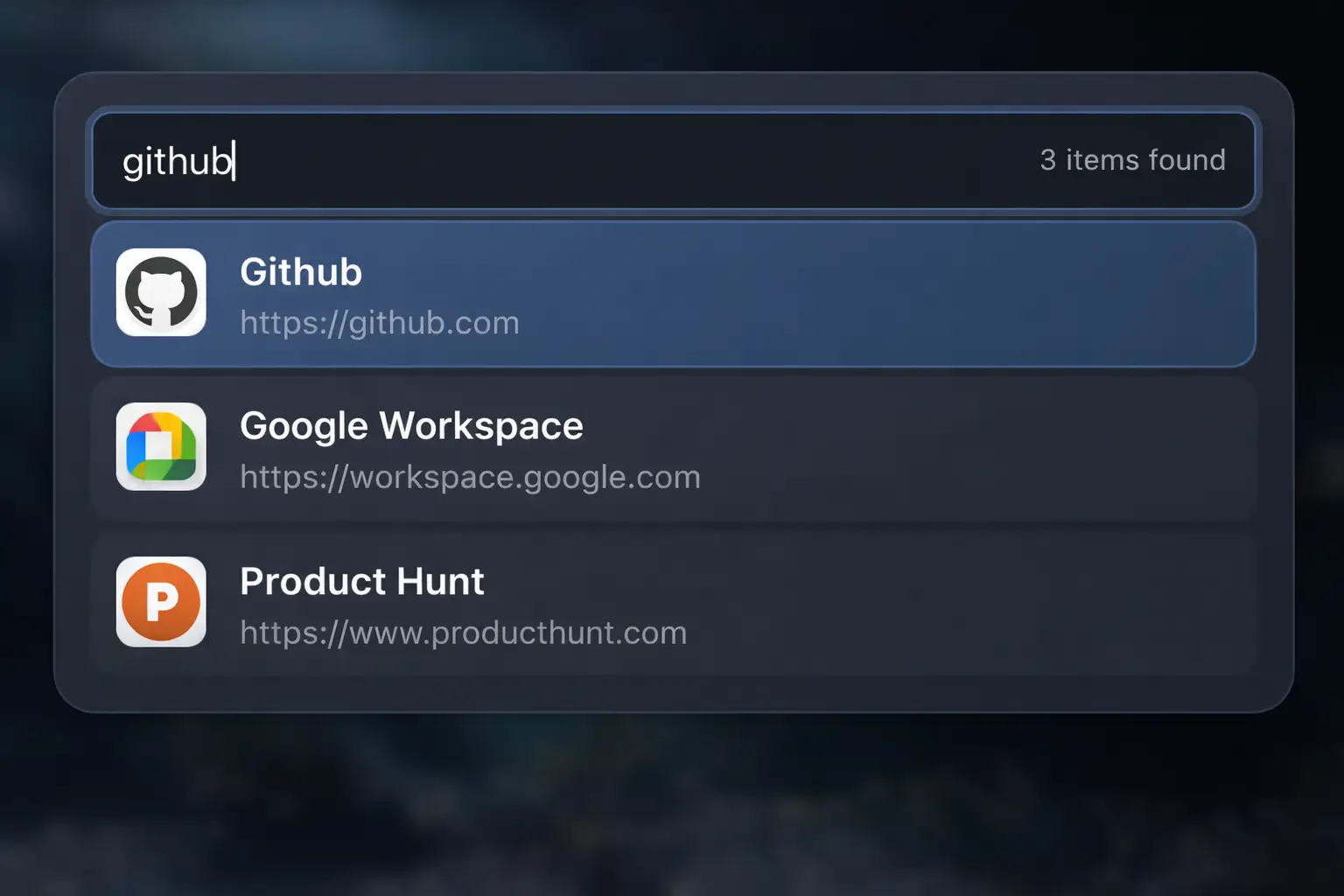
Your vault is secure. The daily friction is finding and copying credentials quickly while you work.
Personal, work, and shared credentials scattered across tools.
Work profile here, personal profile there. One extension is never enough.
Switch app, unlock vault, search, copy, switch back. Every. Single. Time.
One-time API key setup, then one unlock per relaunch.
First run only: create a Bitwarden API key and connect your vault. Open setup guide.
Open PWTray from any app with your global shortcut. After relaunch, unlock once with your master password.
Search an item and copy the credential you need in seconds.
Want the full keymap? Open the keyboard shortcuts guide.
It connects to your Bitwarden vault and gives you one customizable global shortcut to find and copy credentials in any app.
PWTray does not store passwords. It requests credentials from your vault only when you ask.
Open PWTray from any app with your own global shortcut (default ⌥ OptionShiftP).
Available on macOS, Windows, and Linux.
If you use Bitwarden across multiple apps, browser profiles, or work/personal contexts, PWTray is for you.
If you use one password manager in one browser, the extension works fine. You don't need this.
PWTray is free with Bitwarden support. Additional integrations will be included in a $5/year plan.
Free with Bitwarden
Additional integrations are planned. Pricing then: $5/year.